
Why AI video prompt engineering became a production discipline
AI video prompt engineering used to mean typing what you wanted and hoping the model agreed. In 2026 that stopped working. A single generation now runs up to thirty seconds, holds several characters across connected shots, and feeds a paid-social auction that rewards variant libraries of dozens of assets. The prompt is no longer a caption under the clip — it is the specification the model builds from. A vague spec produces a clip you cannot relicense, resize, or reshoot, and at production volume that waste compounds into real money. Teams that ship video at scale have started treating the prompt as a controlled artifact with a shape, a version, and an owner, the same way they treat a storyboard or a grade.
The engine you commit to decides which prompt syntax you will write, and our {{link}} maps each model to the job it does best. A model with native multishot expects a sequence of timecoded beats; a model built around single static frames expects one resolved moment. Write the prompt for the wrong engine and you waste the generation before it starts. The choice is made before the first word, which is why prompt engineering and model selection are the same conversation rather than two separate decisions. Pick the engine, learn its syntax, then write.
The engine you commit to decides which prompt syntax you will write, and our AI video model selection maps each model to the job it does best.
Start with a structured prompt skeleton
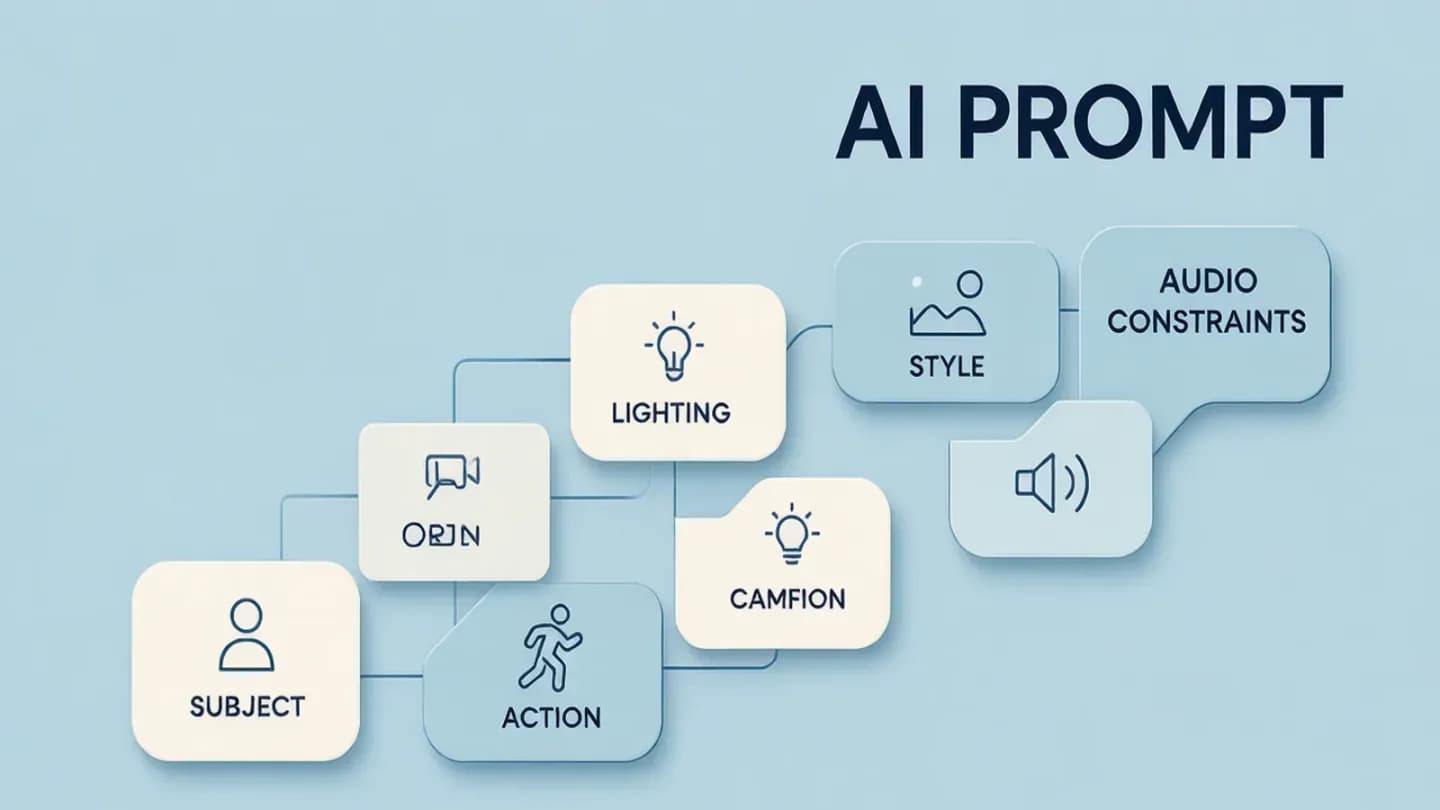
The fastest way to stop rolling the dice is to replace free prose with a fixed skeleton. ByteDance's Seedance 2.5 editing guide recommends one structure: subject, action, camera, lighting, style, audio, and constraints, written as a single sentence that captures the whole clip, followed by a concrete plot broken into timecoded beats. The skeleton forces you to decide the shot before the model does, and it gives the renderer something unambiguous to hold onto when the scene gets busy. A prompt that opens with 'a moody, cinematic, kind of cool video of a person' has already lost, because none of those words are enforceable.
Treat the skeleton as a shot list, not a paragraph — our {{link}} explains how to allocate a thirty-second window into timecoded beats so each cut has one job. When every beat names exactly one action and one camera move, the model stops smearing intent across the clip. A beat that reads 'talking head turns, product appears, light shifts' will lose all three; three beats, one each, will keep them. The skeleton is cheap insurance against the most expensive failure in generative video, which is a clip that looks fine for two seconds and falls apart after.
Keep the closing constraints explicit. Seedance's own sample prompts end with a 'things to hold' section — character consistency, no subtitles, no watermarks, a tension arc — that acts as a line the model is not allowed to cross. Copy that habit on every prompt you write: state what must survive the entire clip, not just what happens in the first second. The constraint line is where brand safety and legal disclosure actually live, and it is far easier to enforce in the prompt than to fix in post.
Treat the skeleton as a shot list, not a paragraph — our AI video shot planning explains how to allocate a thirty-second window into timecoded beats so each cut has one job.
Use camera-movement syntax, not prose
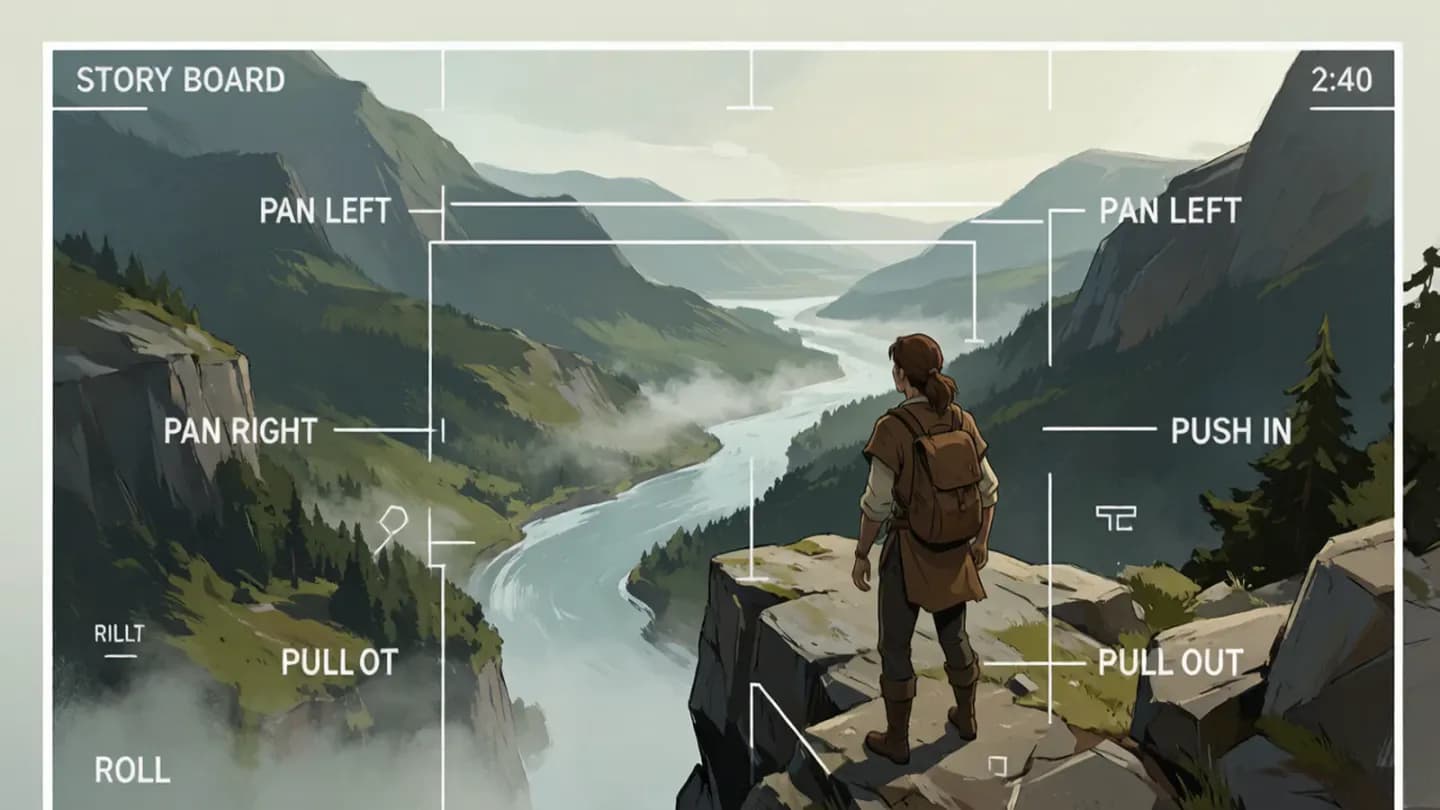
Natural-language camera descriptions are read loosely; explicit directives are not. MiniMax's Hailuo API accepts fifteen [command] camera tokens — [Pan left], [Pan right], [Push in], [Pull out], [Pedestal up], [Pedestal down], [Tilt up], [Tilt down], [Zoom in], [Zoom out], [Shake], [Tracking shot], [Static shot] — inside the prompt, and the documentation is explicit that the bracketed form yields more accurate results than writing 'the camera slowly moves in.' The syntax is the contract between you and the renderer, and vague prose is a contract the model can reinterpret.
You can stack up to three directives in one bracket for simultaneous movement, such as [Pan left, Pedestal up], or sequence them with 'then' for a push-in that resolves to a pull-out. The discipline that keeps it controllable is one visible change per beat. A paragraph fighting over four competing moves — a pan, a zoom, a tilt, and a cut — will drop at least two of them, and you will not know which until you watch the render. Name the move, name it once, and let the model execute rather than invent.
Reserve natural language for what brackets cannot express — mood, performance, and the feeling of a beat — and use syntax for what must be mechanically correct. The split keeps the renderer from guessing on the things that have a right answer and lets it improvise only where improvisation is safe. A prompt that is all prose is unenforceable; a prompt that is all brackets is lifeless. The craft is the ratio.
Tag references so identities don't drift
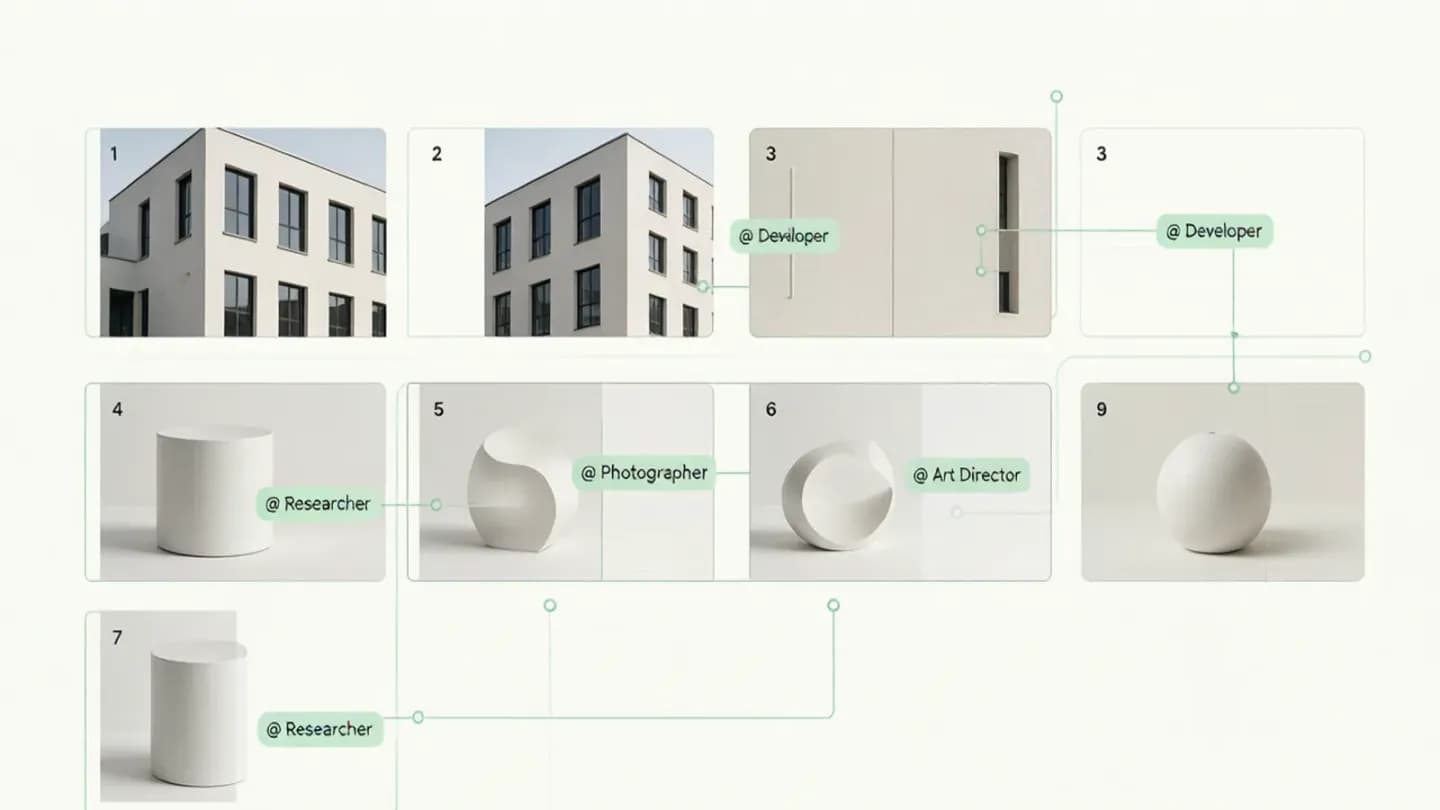
Consistency lives or dies on how you hand the model its source material. Seedance 2.5 accepts up to fifty multimodal references per generation — thirty images, ten videos, ten audio — and you bind each one to a role with an @-tag such as @Image1, then repeat that tag every time the asset must hold. A portrait referenced once per beat survives the push-in; a portrait described in prose drifts within a few seconds. The reference is the anchor, and the prompt is the instruction that says which anchor to use where.
The same discipline applies to brand elements that a generative model can never be trusted to invent — our {{link}} is the control map for which brand details get fixed in the prompt and which get solved downstream. Lock the logo, the label text, and the color temperature as references before you describe motion, not after. LTX-2.5 takes the same idea further with an optional prompt enhancer that adds cinematic and contextual detail, but the anchor — the thing that must not move — is still your reference, not the model's imagination. References are cheap; a rebrand because the model invented a new logo is not.
The same discipline applies to brand elements that a generative model can never be trusted to invent — our AI video brand consistency is the control map for which brand details get fixed in the prompt and which get solved downstream.
Let the model expand, but keep your anchor
Most APIs now ship a prompt optimizer that rewrites your text before encoding. Hailuo defaults prompt_optimizer to true; LTX-2.5 ships an optional prompt enhancer that expands a terse prompt with visual, cinematic, temporal, and contextual detail. Left on, they smooth rough drafts and recover lighting or motion cues you forgot. For a first pass they are genuinely useful, and they shorten the distance between a one-line idea and a usable clip. The danger is not that they exist; it is that they run by default.
Turn them off the moment precision matters. An optimizer that 'helps' can also silently rewrite your constraint — the exact label text, the locked wardrobe, the no-watermark rule — into something the model finds easier to render. For commercial work, write the full prompt yourself, set prompt_optimizer to false, and treat the enhancer as a first-draft aid, never a final pass. The anchor is the line the optimizer is not allowed to cross, and on client work that line is drawn before generation starts.
Document the optimizer setting in the prompt file next to the skeleton. A template that silently re-optimizes on the next run will not reproduce the approved cut, and reproducibility is the whole point of treating prompts as artifacts. Write 'prompt_optimizer: false' into the saved template so the next person — or the next automation — does not undo the lock you fought for.
Treat prompting as iteration, not a one-shot
No prompt survives first contact with a generation. The working method is single-variable iteration: if the face drifts, tighten the identity lock; if the pacing is wrong, simplify the beat; if the cut jumps, give each shot one camera move. Changing one thing at a time is what turns a lucky roll into a repeatable result, and it is the only way to know which line in the prompt actually caused the failure. Batch changes and you learn nothing; the next generation is another coin flip.
Prompts are only half the last mile — our {{link}} is the five-gate review that decides whether a generated cut is allowed to ship, from continuity and identity to audio and delivery. Run it before the client sees a frame. The prompt that produced the keeper becomes a reusable template rather than a one-off accident, and the next brief starts from a known-good skeleton instead of a blank line. Prompt engineering pays off twice: once in the clip, once in the template.
Prompts are only half the last mile — our AI video QC checklist is the five-gate review that decides whether a generated cut is allowed to ship, from continuity and identity to audio and delivery.
Put the framework into production
These related pages connect the article’s planning advice to a specific commercial scope.
References
- LTX-2.5 Open Source Model DocumentationLightricks
LTX-2.5 ships an optional prompt enhancer that expands a short prompt with visual, cinematic, temporal and contextual detail before encoding, and holds character, scene, lighting, visual style and voice consistent across native multishot cuts.
- Create Text-to-Video Generation Task (MiniMax-Hailuo API)MiniMax
MiniMax-Hailuo models accept fifteen [command] camera directives (e.g. [Pan left], [Push in]) inside the prompt, support combined and sequential movements, and default prompt_optimizer to true for automatic prompt expansion.
- Seedance 2.5 Video Editing GuideByteDance Seedance
Seedance 2.5 supports up to fifty multimodal references per generation (30 images, 10 videos, 10 audio) addressed by @-tags, and recommends a prompt structure of subject plus action plus camera plus lighting plus style plus audio plus constraints with one change per timecoded beat.