Why generated video drifts between shots
AI video prompt engineering is the discipline of writing structured prompts so a generated character, product, and style stay identical across every shot. The fix is modular prompts, a reusable master character description, reference images, and shot-by-shot chunking, not hoping the model remembers from one clip to the next. This playbook lays out the exact workflow commercial teams use to hold consistency from first frame to last.
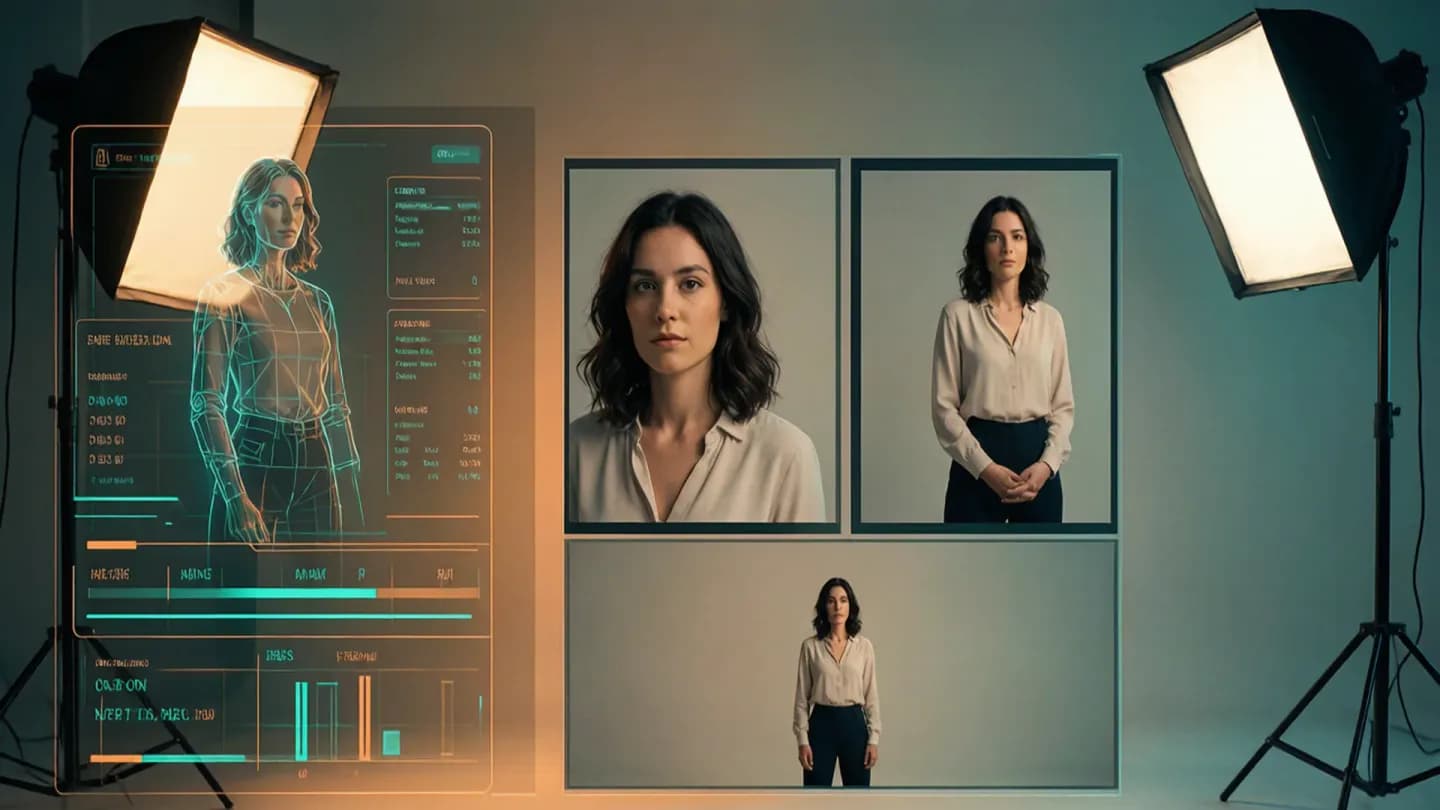
Text-to-video models are literal: they render only what the prompt encodes, with no memory of the previous shot. The moment you rephrase a costume, shift a palette, or change one camera word, the model treats it as a fresh request and redraws the subject from scratch. As IAB's 2026 video report notes, AI now touches every stage of the video value chain, which means consistency failures surface directly in finished commercial cuts rather than in a hidden draft.
The cost is credibility. Viewers may not name the problem, but they notice a hero whose jacket changes mid-scene or a product that shifts color between angles. The remedy is not a better model but better direction: treat each shot as a continuation of a documented identity, not a standalone idea. Everything below is a system for making that identity explicit and reusable.
AI video prompt engineering: four reusable blocks
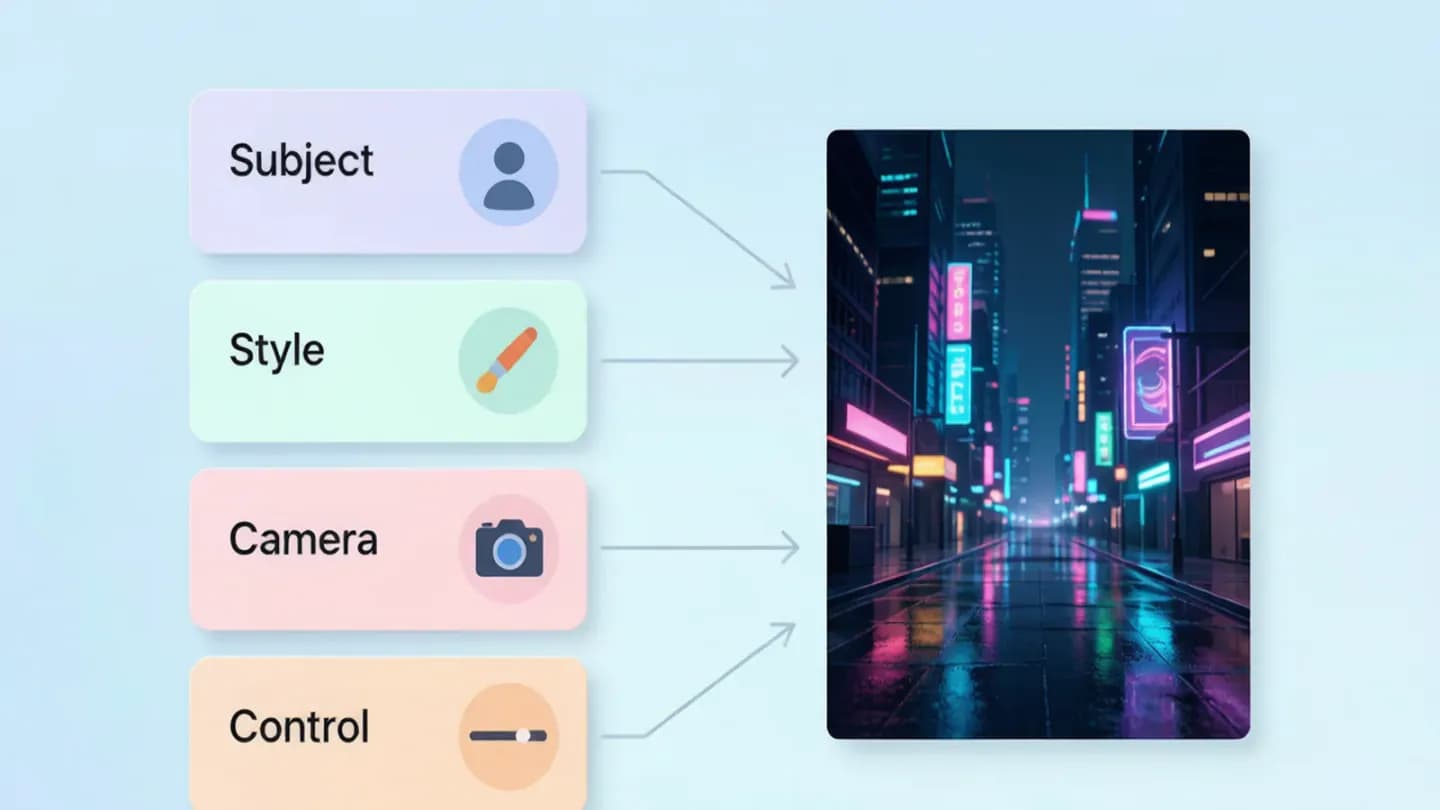
Professionals stop writing free-form sentences and start writing modules, because modules are debuggable. A modular prompt has four blocks: subject and action (concrete verbs, specific nouns), style and aesthetics (palette, texture, mood), technical cinematography (lens, framing, camera move, depth of field), and control parameters (reference images, duration, model settings). When motion is wrong you fix the action block; when the look is wrong you fix the style block; when framing is wrong you fix the camera block. Changing one module at a time tells you exactly which variable controls which part of the result.
A {{link}} captures this structure so every scene starts from the same skeleton instead of a blank page. Keep each block to one or three sentences. A bloated prompt dilutes priorities and lets the model improvise on the parts you cared about most, so the goal is a template you adapt per shot, not a new essay each time.
Concrete example: subject and action, a courier in a yellow raincoat runs through a narrow alley, splashing puddles, urgent expression; style, cinematic photorealism, teal and orange grade, light mist, shallow depth of field; camera, low-angle tracking shot, slight handheld shake, 35mm lens; control, reference frame of the courier attached, duration six seconds. Each block is replaceable without touching the others, which is what makes iteration fast instead of chaotic.
A reusable brief captures this structure so every scene starts from the same skeleton instead of a blank page.
Anchor characters with a master prompt and reference images
The single most common failure is a character who changes clothes, face, or build between shots. Solve it with a canonical master description, face, body, clothing, and signature details, pasted unchanged into every prompt so the model treats it as an identity anchor rather than a fresh description. Digen's 2026 benchmarks show a Character Lock system holding 89 percent visual similarity across shots by storing reference embeddings, a 2.1 times improvement over baselines, which is the kind of stability a commercial cut demands.
Reference images beat text. Attaching one approved frame anchors the face far better than any written description, and the signal carries across different models when you must switch generators. A {{link}} explains why this identity discipline matters beyond prompting alone.
Use the same vocabulary every time. Calling the hero the red car in one line and the crimson coupe in the next invites drift; fixed terms keep the model hearing the same cue. Consistency of language is consistency of output, so resist the urge to sound clever by renaming your hero between prompts.
A dedicated character-consistency guide explains why this identity discipline matters beyond prompting alone.

Hold style when you switch models
Each model has its own aesthetic fingerprint, color response, motion feel, and grain. Hopping models mid-project is like swapping cinematographers halfway through a shoot, and it breaks visual continuity even when prompts are identical. When a capability forces a model change, keep the style block identical and reuse the same reference images; the visible continuity comes from shared style and identity, not from the generator that produced each shot.
This matters for brand work where a {{link}} defines the exact palette, logo treatment, and motion profile that must survive every cut. Pick one primary model per project and commit to it. If you must use a specialized model for one shot, budget time for color grading or style correction in post to reconcile it with the rest of the sequence.
The practical pattern is fast models for drafts and exploration, premium models for final hero shots, and specialized models for moments that demand precise control. Write one master prompt per scene, then trim or expand it depending on which model you send it to, rather than reinventing the description for each tool.
This matters for brand work where a brand-consistency playbook defines the exact palette, logo treatment, and motion profile that must survive every cut.
Chunk scenes into a shot list, not one paragraph
Long monolithic prompts accumulate compound errors because every constraint competes for the model's attention at once. The fix is chunking: break a scene into atomic shots, each with its own short description, then list them in order. TyN Magazine's 2026 5C framework, Clear, Concise, Contextual, Constrained, and Chunked, found chunked prompts scored 37 percent higher on adherence in controlled tests than vague single-pass descriptions.
Digen's tests show shot listing produces 51 percent more accurate results than a single continuous description, and USC's 2026 Creative AI Lab measured 68 percent fewer continuity errors versus monolithic prompts. Reference images lift accuracy another 44 percent. The mechanism is simple: a model handles one clear beat better than a paragraph that tries to direct setting, action, lighting, and emotion simultaneously.
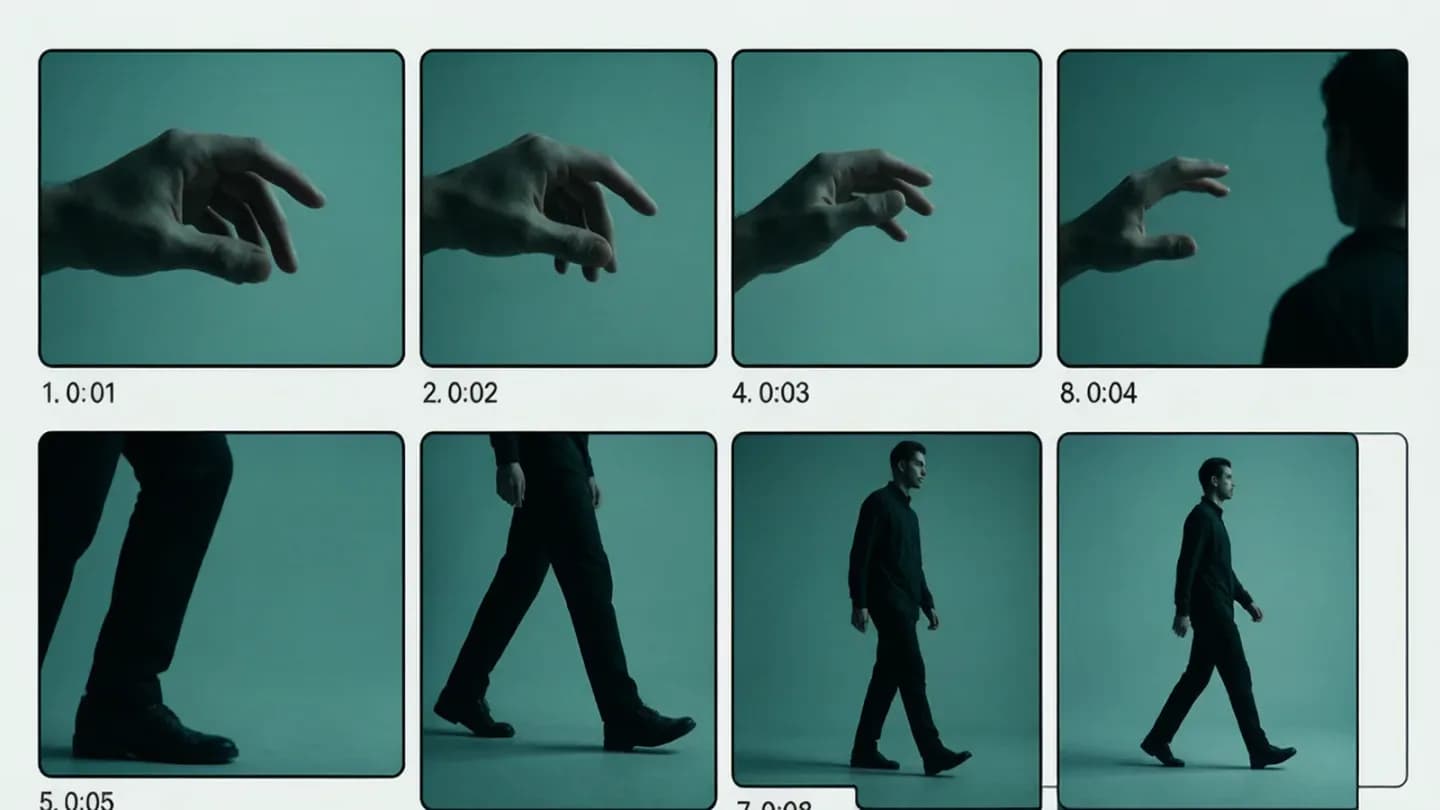
Write the list the way a director would script it: close-up of the courier smiling for three seconds, cut to wide of the same courier crossing the street for five seconds, then low-angle tracking as they duck into a doorway. Each line is a self-contained instruction with a duration, which keeps the character, wardrobe, and palette locked because you are repeating the anchor, not reinventing it.
Kill artifacts with targeted negative prompts
Say what you do not want as clearly as what you do. Negative prompts list artifacts to avoid, distorted hands, extra fingers, flickering light, watermark text, oversaturation, and models that honor them render cleaner human figures, which are the hardest subject to generate reliably. Keep the list focused: a bloated negative suppresses useful variation and makes every result look identical, so use the strongest negatives only for the artifacts you actually see in your outputs.
When a specific artifact persists, raise the weight of that negative term instead of rewriting the whole prompt. Test whether your model respects negatives at all; if it ignores them, move that instruction into positive phrasing instead. A {{link}} catalogues the common generation defects and where each one tends to appear in a frame.
Negative prompts also protect brand safety. Explicitly excluding unnatural lighting, wide-angle distortion, or over-saturated color prevents the plastic look that undermines trust in commercial footage, and it keeps the output inside the visual language your master style block already defined.
A AI video artifact fix guide catalogues the common generation defects and where each one tends to appear in a frame.
Test one variable at a time and keep a prompt library
Improvement comes from iteration discipline, not talent. Build a fixed test scene, one subject, one style, one camera move, as your control, then change a single module and compare. Log the prompt, model, and settings that produced each approved result so the library becomes your fastest path to a good output, because you are never starting from zero. When you adopt a new model, re-baseline, because a model change invalidates old assumptions and a quick test tells you which library entries still work.
Consistent, on-brand AI video also inherits a compliance layer. C2PA's Content Credentials act like a nutrition label for digital content, recording origin and edits so synthetic footage stays provably traceable from generation through delivery, which matters the moment a client asks where a frame came from. Baking provenance into the workflow is as much a production habit as the prompt structure itself.
A {{link}} helps you choose the right generator for the job before you build the prompt library around it. Match the model to the task, fidelity for hero shots, speed for drafts, specialization for control, then let the modular template and the prompt library carry the consistency work. In a few weeks of deliberate practice, the gap between your first videos and your latest will come entirely from how you direct the model, not from a change of tool.
A AI video model selection guide helps you choose the right generator for the job before you build the prompt library around it.
Put the framework into production
These related pages connect the article’s planning advice to a specific commercial scope.
References
- U.S. Digital Video Ad Spend to Surpass $80B in 2026IAB
U.S. digital video ad spend projected to surpass $80B in 2026, growing 11% YoY and exceeding 60% of total TV/video ad spend for the first time; AI is now part of every stage of the video value chain.
- Advanced AI Prompt Engineering for Video: A Practical GuideDomer AI
Modular prompt structure (subject/action, style, cinematography, control), master character prompts, reference images, style bridging across models, targeted negative prompts, and one-variable-at-a-time testing workflow.
- Why AI Video Prompt Adherence Fails and How to Fix It (2026)Digen AI
5C framework (Clear, Concise, Contextual, Constrained, Chunked) scored 37% higher adherence; Character Lock holds 89% visual similarity across shots; shot listing yields 51% more accurate results; USC 2026 Creative AI Lab measured 68% fewer continuity errors vs monolithic prompts.
- C2PA | Verifying Media Content SourcesC2PA
C2PA provides an open standard for Content Credentials that record the origin and edits of digital content, functioning like a nutrition label for provenance and authenticity of synthetic media.