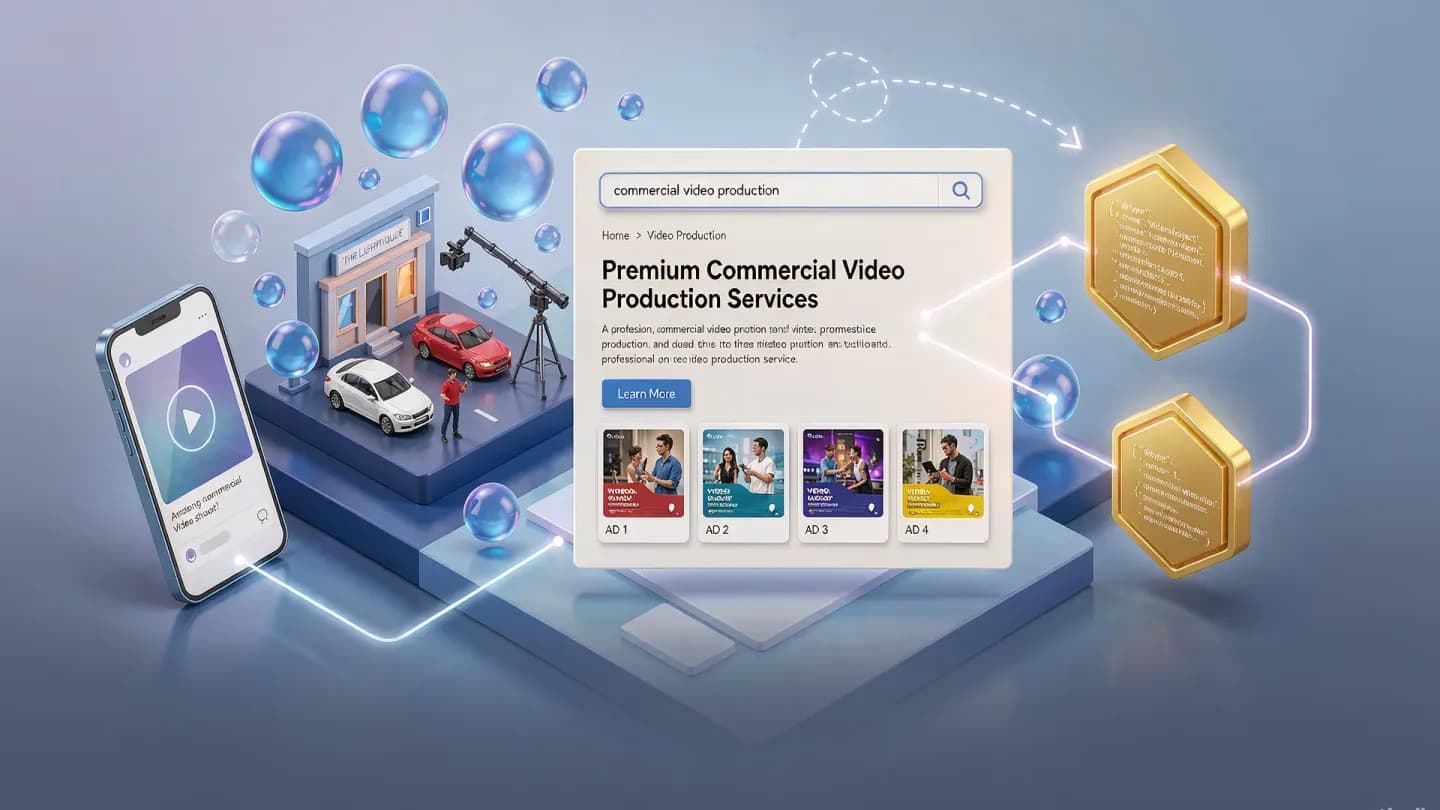
Why AI video is invisible without structured data
AI video SEO is the gap between a clip that ranks and one that disappears. Most commercial teams publish AI-generated video and assume Google will infer what it is; it will not. Without VideoObject structured data, your clips are ineligible for video carousels and key-moment rich results. This playbook shows how to mark up AI video so search engines and YouTube can actually surface it.
{{link}} confirm that video now shows up across a large share of search results, yet a tiny fraction of pages ship the markup that makes those clips eligible. The bottleneck is not production; it is the missing machine-readable signal that tells a search engine a video exists, what it covers, and where the good parts are.
The urgency is specific to AI production. When a model can render fifty product videos in an afternoon, the constraint shifts from whether you can make it to whether anyone will find it. Structured data is the lever that converts raw output into indexed, citable assets, and it scales with the same automation that produced the video in the first place.
2026 video marketing statistics confirm that video now shows up across a large share of search results, yet a tiny fraction of pages ship the markup that makes those clips eligible.
The three required VideoObject fields
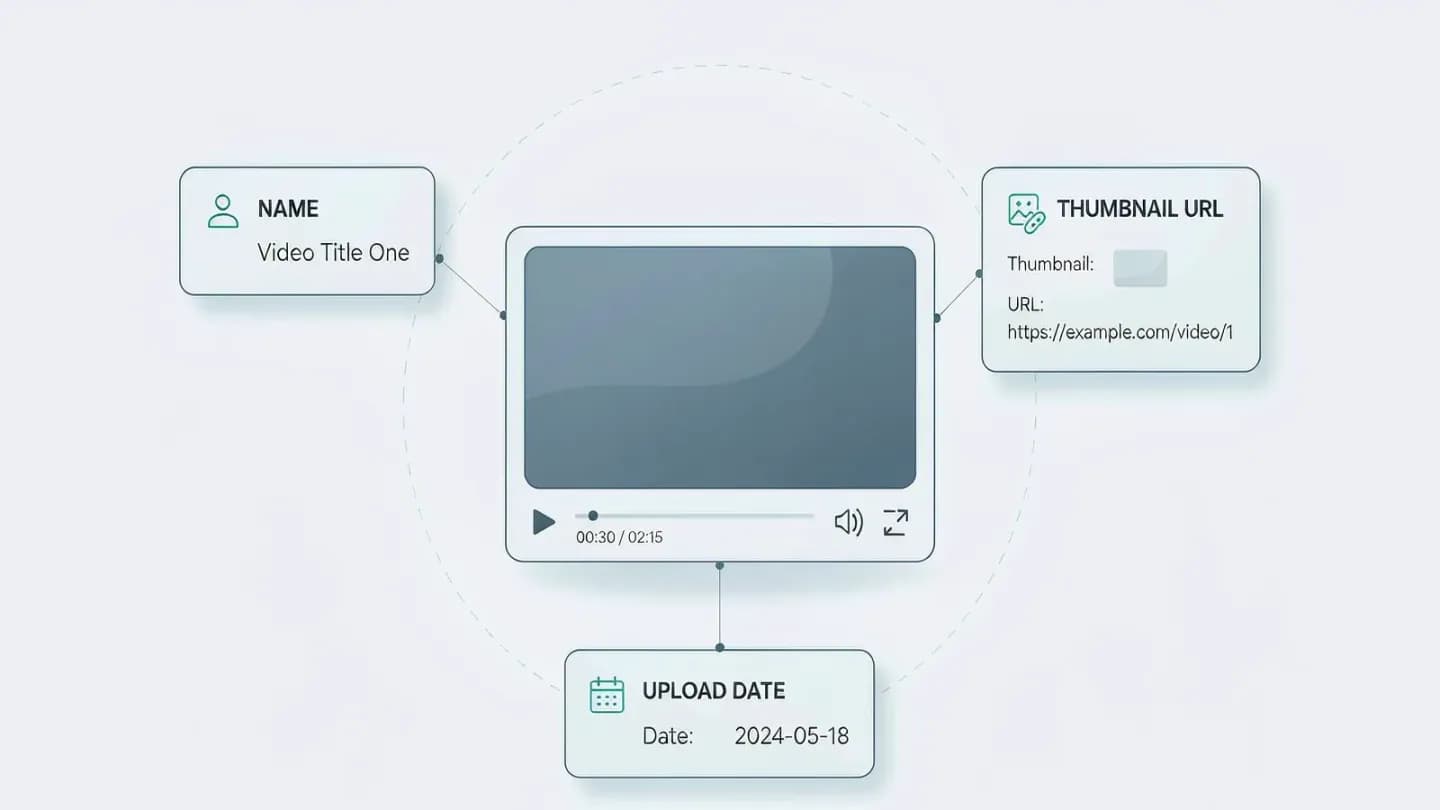
VideoObject is the schema.org type that describes a single video. Google requires three properties before it will consider extracting anything from your clip: name, thumbnailUrl, and uploadDate. Name should be unique per video, not a reused placeholder like promo_final_v3. thumbnailUrl must point to a real, crawlable image file that follows the thumbnail guidelines. uploadDate uses ISO 8601 and should include a time zone so Google knows when the asset first went live.
Get these three wrong and the rest of your markup is ignored. A thumbnail that returns a 403, a name duplicated across fifty clips, or a missing upload date all push the video back to unindexed. The good news for AI pipelines is that all three are trivially generated: the model already knows the title, can render a frame as the thumbnail, and stamps the publish time automatically.
Beyond the required three, the recommended fields do most of the heavy lifting for discovery. A description that is unique per video, a contentUrl pointing to the actual file, and a duration in ISO 8601 such as PT1M54S let Google render a proper rich result instead of guessing. regionsAllowed, expressed as ISO 3166 country codes, stops a clip from surfacing in markets where you have no rights to run it.
Mark up key moments so Google shows your timestamps
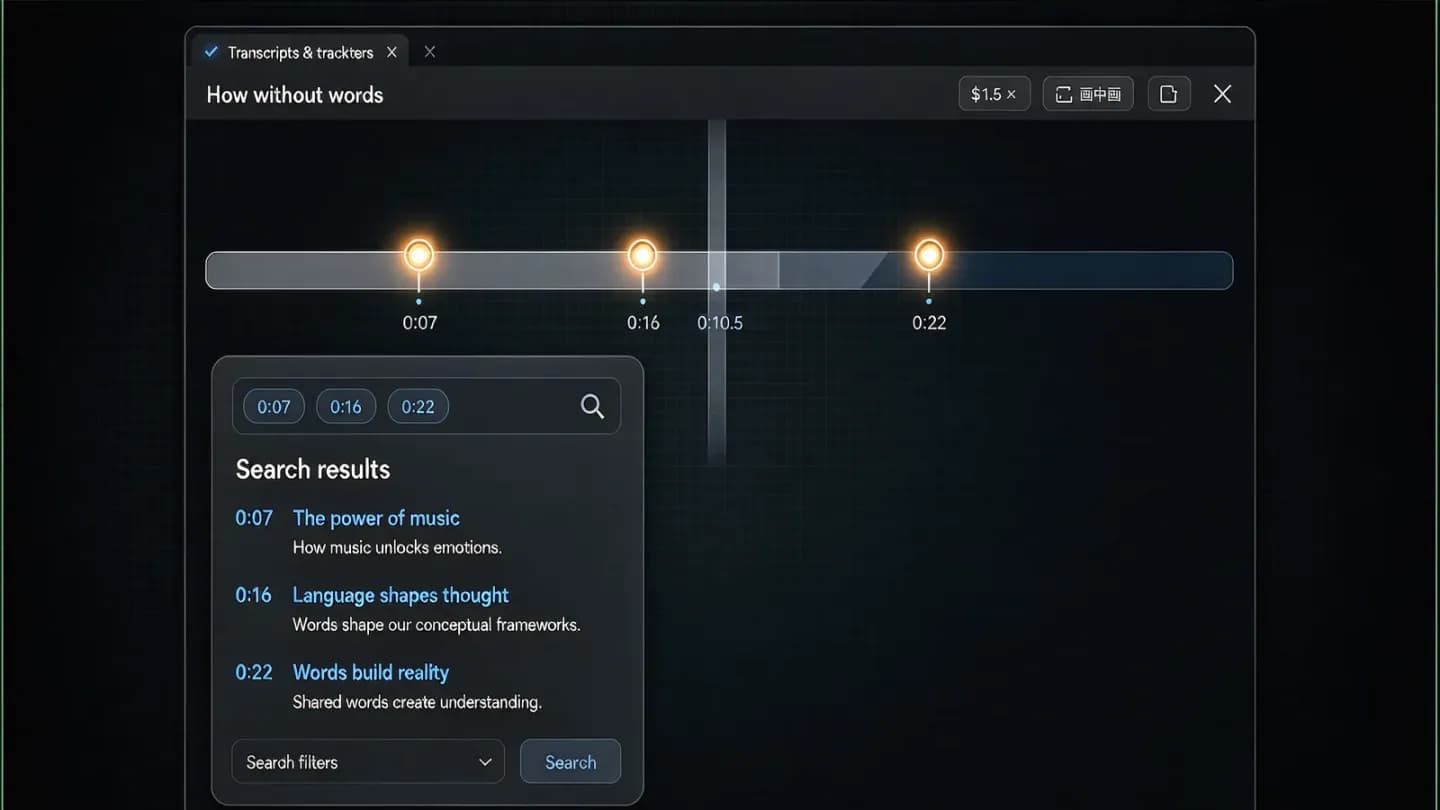
Key moments turn one long clip into a table of contents that appears directly in search results. Google prefers moments you declare through structured data over moments it auto-detects, so the timestamps and labels are yours to control. {{link}} already reward timestamped, segmented cuts, tagging your AI clips with Clip schema aligns your markup with how platforms surface moments. Each Clip carries a name, a start offset in seconds, and a URL that deep-links to that point in the player.
For an AI-generated explainer, that means tagging the thirty-second segment where you define the term, the demo where the product appears, and the close where you state the offer. Because AI can segment a transcript into chapters automatically, generating five to eight Clip entries per video is a scripted step, not a manual edit. The payoff is a richer search result that competes on substance, not just on a thumbnail.
The deep link itself is part of the markup. A SeekToAction on the VideoObject tells Google the URL pattern that jumps the player to a given second, so a key moment in the results page lands the viewer exactly where the value is. Without it, the timestamp is decorative; with it, the click is precise and the bounce rate drops.
short-form platform benchmarks already reward timestamped, segmented cuts, tagging your AI clips with Clip schema aligns your markup with how platforms surface moments.
Let AI generate the assets schema needs
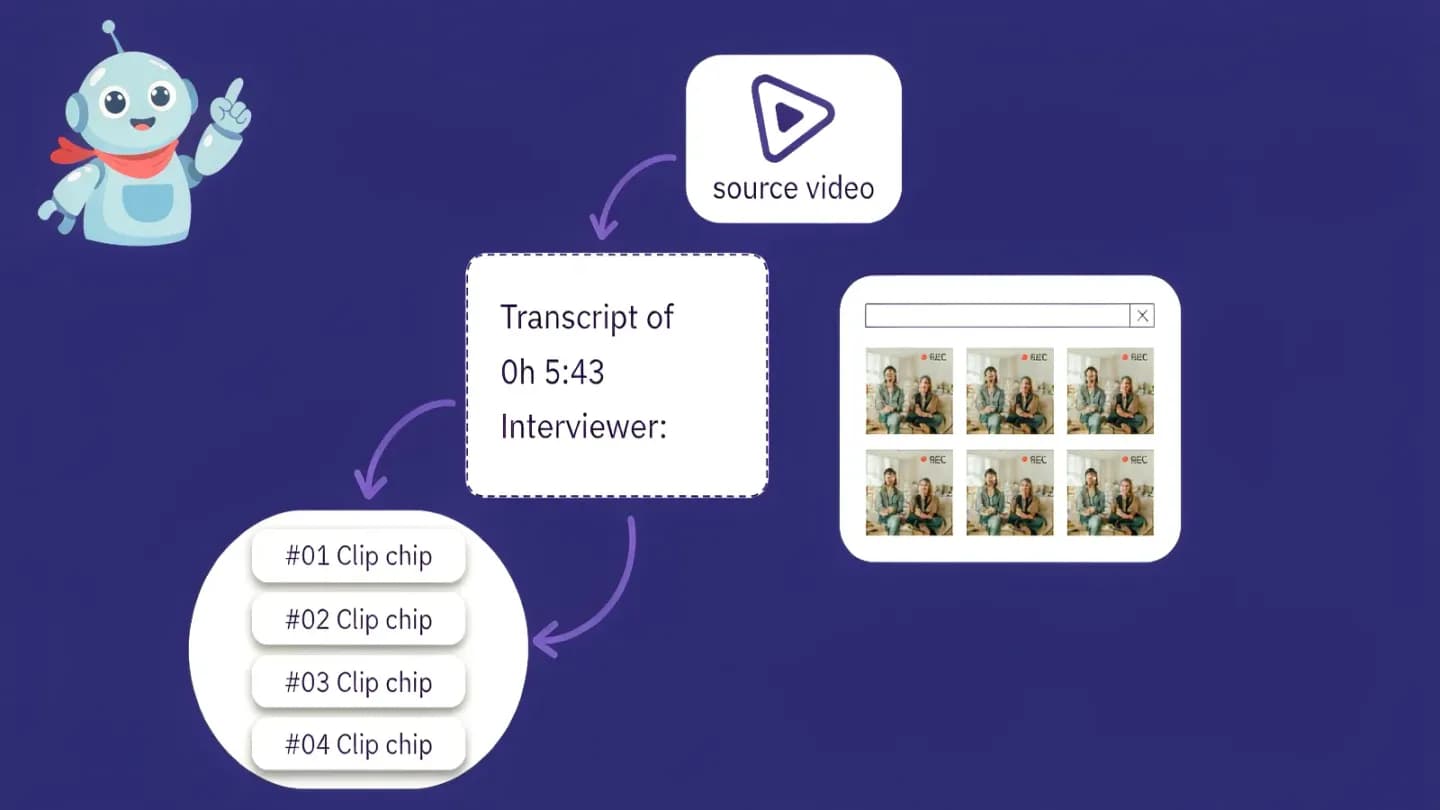
Structured data is only as good as the assets behind it, and AI is unusually good at producing those assets in bulk. {{link}} changes which assets matter: a Shorts cut needs a punchy thumbnail and a tight transcript, while long-form needs chapter clips and a sitemap. A transcript feeds the transcript property and powers captions; rendered frames become thumbnail candidates; segmented clips become Clip entries. One source video yields the entire markup payload.
The transcript property on VideoObject is the text of the spoken content, and it does double duty: it improves accessibility and gives search engines the words to match against queries. Generating it from the AI voiceover or from a typed script is nearly free. The discipline is pipeline, not craft: every rendered video should emit a transcript, three thumbnail options, and a Clip list as build artifacts, the same way it emits the MP4.
Thumbnail generation is where AI pulls ahead of manual workflows. Rendering three candidate frames per clip and letting a quick click test pick the winner used to be a designer afternoon; now it is a batch job. The selected frame becomes thumbnailUrl, and the losers become A/B variants. None of this is maintainable by hand at the volumes AI video produces, which is exactly why the markup must be generated rather than written.
YouTube's long-form and Shorts split changes which assets matter: a Shorts cut needs a punchy thumbnail and a tight transcript, while long-form needs chapter clips and a sitemap.
YouTube vs self-hosted: where the traffic lands
YouTube indexes video automatically, which makes it the low-friction option for visibility, but it also keeps the watch page and the audience on Google property. {{link}} map your options across the trade-off before you commit: a self-hosted player with full VideoObject markup and a video sitemap keeps the watch page and the ranking on your own domain. The right call depends on whether you want reach or an owned audience.
A practical split: use YouTube for top-of-funnel discovery where its recommendation engine does the distribution work, and self-host the product demos and case studies where the conversion happens on your site. Both benefit from the same schema, but only the self-hosted path requires you to file a video sitemap and monitor indexing in Search Console. Treat the sitemap as the receipt that proves you told Google the video exists.
For self-hosted video, the description and contentUrl fields carry extra weight because there is no YouTube metadata to fall back on. The watch page has to stand on its own schema, and the video sitemap is the only signal that proves the file exists to Googlebot. Skip it and even perfect markup may never be crawled, because Google will not discover the video through a player script alone.
AI video delivery platforms map your options across the trade-off before you commit: a self-hosted player with full VideoObject markup and a video sitemap keeps the watch page and the ranking on your own domain.
An AI video SEO markup checklist for high-volume pipelines
At scale, structured data has to be a build output, not a post-publish afterthought. For every AI video, confirm the three required fields are present and unique, add description and duration, emit at least one Clip for anything over ninety seconds, include a transcript, and file the sitemap entry. Validate the markup with the Rich Results Test before the page goes live, and watch Search Console for video indexing coverage.
The 2026 eligibility gap is stark: only about 0.34 percent of pages implement VideoObject markup, even though roughly 6.40 percent embed video. That near 19-to-1 ratio is the single most fixable problem in video SEO, and AI production makes closing it almost free. Teams that mark up their clips turn a library of forgotten renders into a portfolio of searchable, citable, rankable assets.
The common failure is treating markup as a publishing chore rather than a pipeline stage. When a video ships without a transcript, a unique name, or a sitemap entry, it joins the 6.40 percent of pages that embed video but not the 0.34 percent that bother to describe it. AI production removes the cost excuse; the remaining gap is purely process discipline, and that is the part this playbook is meant to close.
Put the framework into production
These related pages connect the article’s planning advice to a specific commercial scope.
References
- Video structured data (VideoObject, Clip, BroadcastEvent)Google Search Central
Google requires name, thumbnailUrl, and uploadDate for VideoObject, recommends description, contentUrl, duration, hasPart (Clip with name, startOffset, endOffset), potentialAction (SeekToAction), and regionsAllowed, and prefers key moments declared via structured data over auto-detected ones. Dates and durations use ISO 8601.
- VideoObject - schema.orgschema.org
VideoObject defines a transcript property (the transcript of the object) and regionsAllowed expecting ISO 3166 country codes; hasPart expects a CreativeWork such as a Clip.
- 50 Video SEO Statistics for 2026Vidico
Only about 0.34 percent of web pages implement VideoObject markup versus 6.40 percent of desktop pages that carry video, measured across 16.2 million websites by the HTTP Archive Web Almanac, a near 19-to-1 eligibility gap.