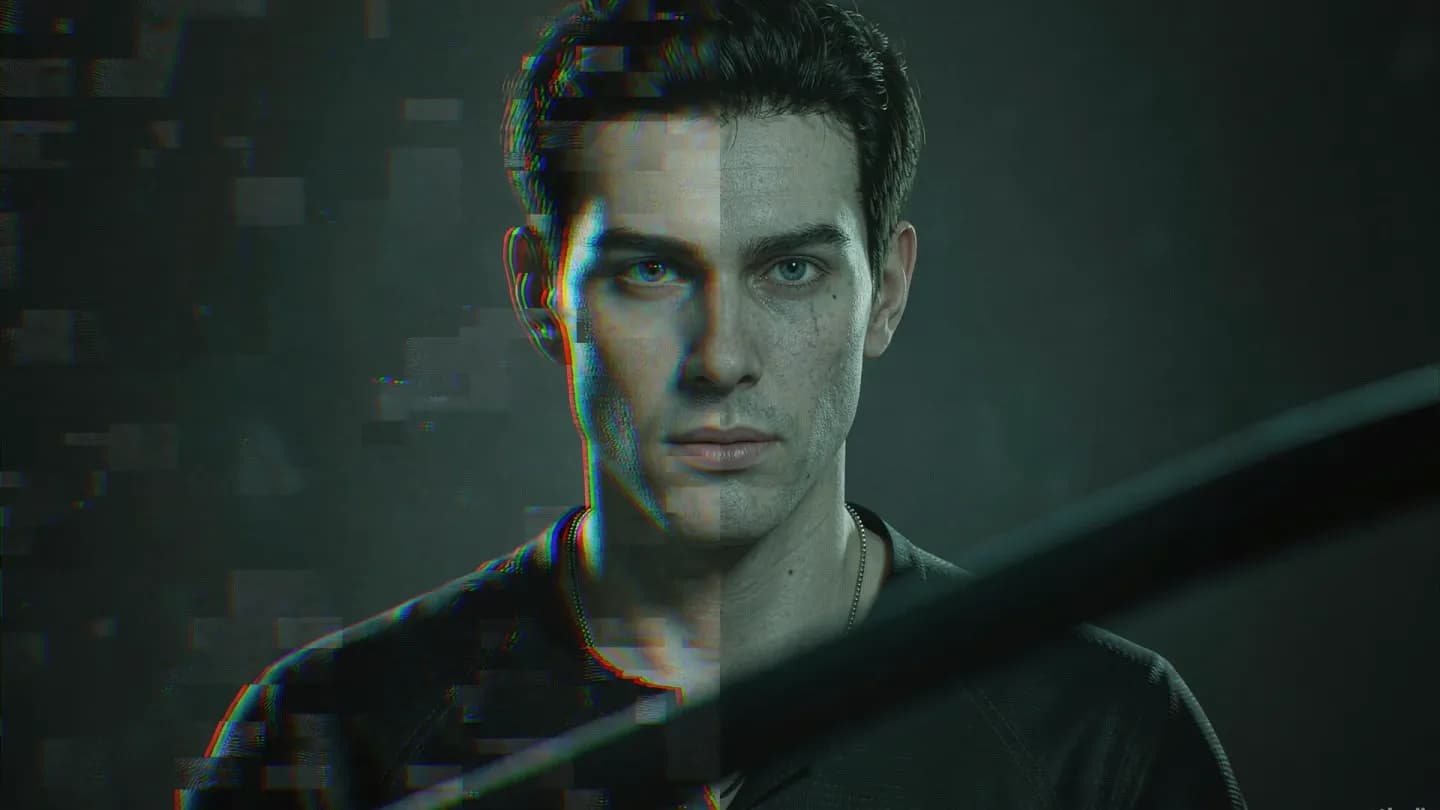
AI Video Post-Production Repair: Why Raw Generations Fall Short
AI video post-production repair is the set of fixes that turn a raw generated clip into usable footage. Most AI outputs ship with temporal drift, color flicker, distorted faces, and lip-sync errors that no prompt alone removes. This playbook shows the concrete repair steps to stabilize, color-match, upscale, and re-sync audio so generations clear your quality bar.
Treat the model output as dailies, not a final cut. A 2026 is4.ai workflow guide notes quality degrades beyond roughly six seconds per generation, and that even accepted clips need refinement before they touch a timeline. Repair is therefore an expected, budgeted stage of production, not evidence the tool failed you.
The objective is not to conceal that a clip was generated. It is to strip the artifacts that make an audience feel something was automated on the cheap. Stable, properly synced, color-consistent footage reads as intentional, and intention is what protects brand credibility in a market that now penalizes obvious automation.
This is also where AI video earns its place next to traditional production. Used as a rapid prototyping and B-roll layer, then finished like any other footage, it slots into a normal pipeline. Treated as a one-click final, it exposes every model weakness at full volume.
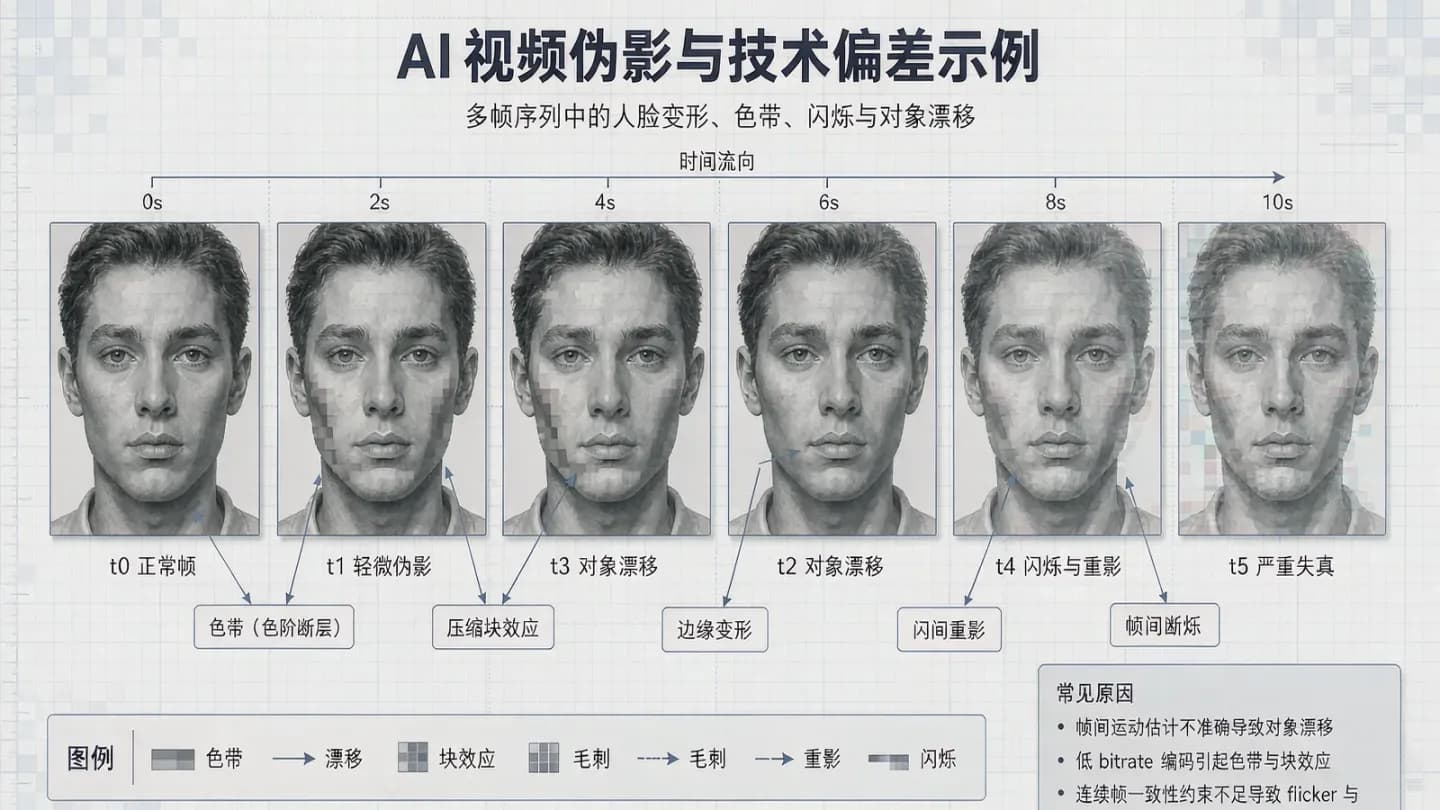
The Defect Catalog: Temporal Drift, Flicker, and Broken Faces
Temporal drift is the most common failure mode. Objects resize, backgrounds swim, and a character's jewelry or eye color shifts between shots as the model loses its hold on the scene. is4.ai recommends keeping generations to four to six seconds and simplifying motion to limit the effect, because longer clips accumulate error faster than any post fix can fully hide.
Color flicker appears as frames drifting between color casts or brightness levels, especially across stitched clips. Digen AI reports that lip-sync errors plague 38% of AI-generated talking-head videos according to a 2026 IEEE study, a useful reminder that audio-visual alignment is a first-class defect rather than a final polish detail.
Faces and hands distort, on-screen text renders as gibberish, and native resolution often forces upscaling. None of these outcomes is rare; they are the baseline behavior of current models. Cataloging them up front lets you route each clip to the correct repair instead of re-generating blindly and hoping the next roll lands. A short pre-mortem on likely defects also shortens the loop, because the team agrees up front which artifacts it will accept and which it will fix.
Severity ranking helps scheduling. Drift and flicker are usually fixable in post, while broken faces and gibberish text often justify a re-generation or a traditional pickup. Knowing which defect is cheap to fix versus which is cheaper to redo prevents hours of fruitless repair.
Stabilize, Color-Match, and Upscale: The Core Fixes
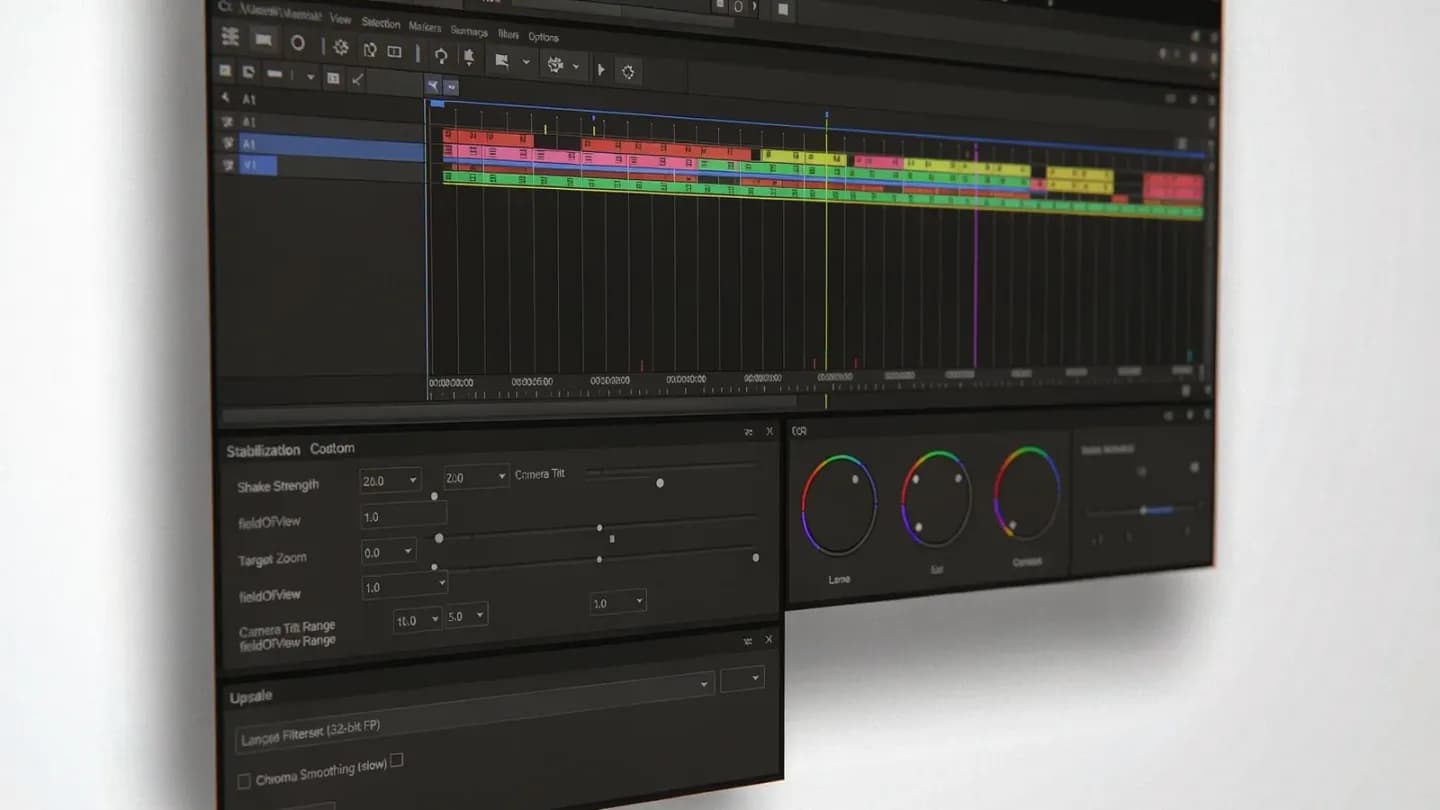
Begin with stabilization and color matching. Warp-stabilize any camera shake, then normalize color shifts frame to frame so a sequence does not pulse between warm and cool. Slowing playback slightly can also mask residual temporal jitter without leaving a visible edit mark.
Upscale with a model trained specifically on video rather than a generic image scaler, then apply a light sharpen only where it genuinely helps. For distorted backgrounds or impossible objects, blur to depth-of-field or mask in a clean plate instead of repeatedly fighting the generator for a frame it cannot produce.
Treat every generated take like raw footage and build a repeatable routine for {{link}} before it reaches the timeline.
Strategic cropping removes problematic edges, and thoughtful transitions mask the cuts between AI clips. Strong production audio also distracts from lingering visual imperfections, so design the sound deliberately instead of accepting the model's synthetic track as final.
Quality gates matter more than hero shots. Netflix's AI team reported a 91% drop in viewer complaints about glitching characters after applying consistency techniques, which suggests disciplined repair outperforms raw generation volume when the goal is a shippable asset. The same discipline applies to audio, where a clean reference recording beats any synthetic substitute the model can muster.
Do not over-process. Each filter pass risks introducing its own artifacts, so match the tool to the defect and stop when the clip reads clean. The aim is a natural result, not a demo of how many effects you own.
Treat every generated take like raw footage and build a repeatable routine for editing AI-generated video before it reaches the timeline.
Closing the Lip-Sync Gap
Lip-sync is exactly where cheap AI reads as cheap. When a face speaks, the mouth must land on the phoneme; a mismatch of even a hundred milliseconds feels wrong to viewers who could not name the problem if asked.
Fix it with phoneme-level alignment and a light manual pass by an editor, then replace weak synthetic voiceover with a human-recorded track wherever the brief allows. Reserve the model audio only when it is already tightly synchronized to the performance.
Correcting mouth movement to audio is the difference between convincing and uncanny, which is why {{link}} deserves its own QA pass.
Build the sync check into your delivery checklist rather than treating it as an afterthought. A clip that is visually perfect but audibly off will still get scrolled past, and the damage to trust is the same as a broken frame.
For multilingual delivery, budget extra time for language-specific sync checks, because alignment that works in one tongue can drift in another. The fix is the same, phoneme mapping plus a human pass, but the schedule must allow for it.
Correcting mouth movement to audio is the difference between convincing and uncanny, which is why AI lip-sync accuracy deserves its own QA pass.
Budget Discipline: Cap Iterations Before You Repair
Repair only pays off if you stop generating. is4.ai recommends a hard cap of five to seven attempts per shot; past that point, traditional production usually wins on both cost and control, and the iteration loop starts costing more than the shoot it was meant to replace.
Resolution strategy compounds the saving. A 2026 Hugging Face case study found 4K generation needs 17x the GPU hours of 1080p, while Google's optimization guide cites 62% lower cloud cost from staged resolution ladders. Prototype at 480p, review at 1080p, and render the final 4K pass only after approval.
Picking the right engine per shot reduces wasted generations, so a current {{link}} should guide your model shortlist.
Track true cost as generation time plus repair time, never the sticker price. A clip that needs three hours of fixes costs far more than its per-second rate suggests, and that arithmetic should drive the AI-versus-traditional decision long before the deadline appears.
A structured brief up front pays back at repair time. Digen AI cites PwC finding that adding structured briefs reduced revision cycles by 73%, which means fewer generations to fix and a shorter path to a shippable clip.
Picking the right engine per shot reduces wasted generations, so a current text-to-video model comparison should guide your model shortlist.
Keep Provenance Intact Through the Repair Pipeline
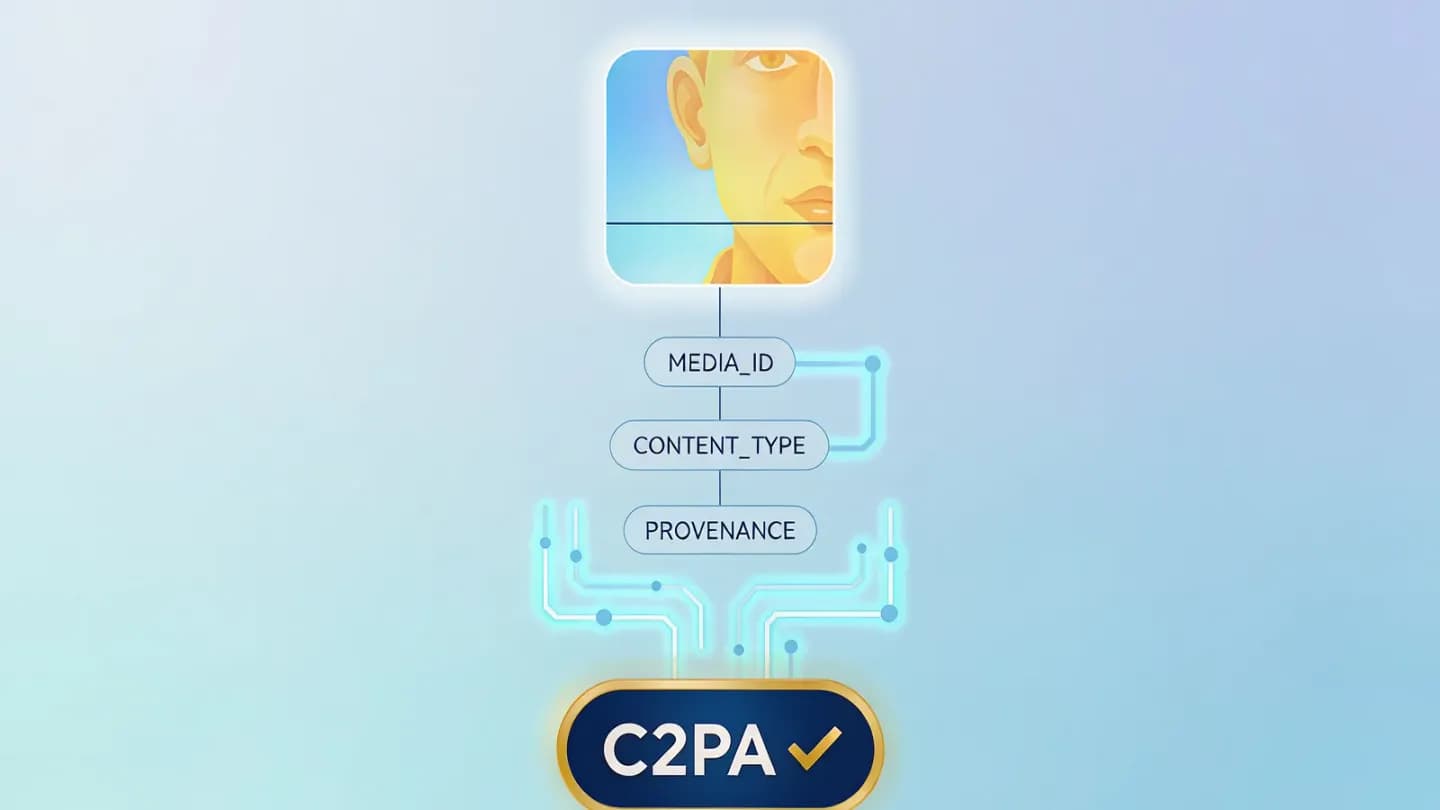
Every repair step changes the asset, and buyers increasingly ask where the footage originated. Content Credentials, built on the C2PA standard, record a clip's origin and edit history like a nutrition label for media, a credential any viewer or platform can inspect on demand.
Repair sits at the end of an {{link}} that should log every generation and edit as it happens.
Tool sprawl makes provenance harder, which is why {{link}} now bundles generation and finishing in one workspace.
Stamp credentials at export, not at the end of the quarter. A repaired clip delivered as MP4 with H.264 video and AAC-LC audio at 48kHz, carrying intact provenance, is both platform-ready and trust-ready, the bar modern AI video work should clear before it ships.
Provenance is not only a compliance story. It is a production advantage, because a clip with a clean edit history is easier to re-cut, re-version, and audit than one whose origin is a mystery after three rounds of fixes.
Repair sits at the end of an AI-native creative pipeline that should log every generation and edit as it happens.
Tool sprawl makes provenance harder, which is why AI video suite consolidation now bundles generation and finishing in one workspace.
Put the framework into production
These related pages connect the article’s planning advice to a specific commercial scope.
References
- Why AI Video Tools Fail and How to Fix Common Mistakes in 2026Digen AI
Lip-sync errors affect 38% of AI talking-head videos (2026 IEEE study); structured briefs cut revision cycles 73% (PwC); Netflix AI team cut character-consistency complaints 91%; 4K needs 17x GPU hours of 1080p (Hugging Face); staged resolution ladders cut cloud cost 62% (Google).
- How to Navigate AI Video Generation Limitations and Choose Traditional Methods in 2026is4.ai
Quality degrades beyond roughly six seconds per generation; set a hard 5-7 attempt budget cap; common post-production fixes are stabilization, color grading, speed adjustment, cropping, transitions, and audio design.
- C2PA - Verifying Media Content SourcesC2PA
C2PA provides an open technical standard (Content Credentials) for recording the origin and edit history of digital content, functioning as a nutrition label for media provenance.
- Recommended upload encoding settingsYouTube Help (Google)
Finalized video should be delivered as MP4 container with H.264 progressive video, AAC-LC audio at 48kHz, encoded at source frame rate (24/25/30/48/50/60 fps), 16:9 standard.